> For the complete documentation index, see [llms.txt](https://docs.alienxchain.io/llms.txt). Markdown versions of documentation pages are available by appending `.md` to page URLs; this page is available as [Markdown](https://docs.alienxchain.io/white-paper/getting-start-hal-testnet/add-hal-chain-to-metamask.md).
# Add Hal Chain to MetaMask
## *Using the Hal Hub Page*
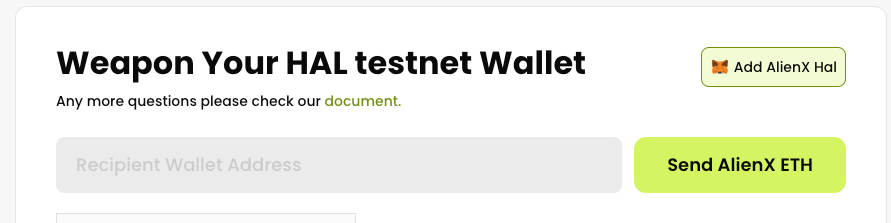
1. Navigate to our Bridge page:
2. Click the **Add AlienX Hal** button, and you will be prompted to switch to the Hal Network.
## *Manually via MetaMask*
You can add the network manually via the following details:
* Network Name: Hal
* New RPC URL:
* Chain ID: 10241025
* Currency Symbol: ETH
* Block Explorer URL:
* Contract Verification URL: